

Building a Web Server in Go: A Beginner's Guide
Go web server

Hi there! 👋 I’m Oleksandr. I’m a junior React Developer, just starting my journey in web development. I love creating interactive and user-friendly web apps. Right now, I’m learning all about React and its tools, like Redux for managing state, React Hooks for building reusable components, and React Native for mobile apps.
Creating a web server might sound complex, but it's simple with the Go standard library. In this article, we’ll walk through building a minimal web server from scratch. This server will:
Respond to requests at the root URL ( / ) by displaying details about the request.
Provide a /count endpoint to track the total number of requests made.
The Code
Here’s the complete Go program for our web server
package main

import (
    "fmt"
    "log"
    "net/http"
    "sync"
)

var mu sync.Mutex
var count int

func main() {
    http.HandleFunc("/", handler)
    http.HandleFunc("/count", counter)
    log.Fatal(http.ListenAndServe("localhost:8000", nil))
}

// handler responds with details of the HTTP request
func handler(w http.ResponseWriter, r *http.Request) {
    mu.Lock()
    count++
    mu.Unlock()

    // Write details about the request
    fmt.Fprintf(w, "%s %s %s\n", r.Method, r.URL, r.Proto)
    for k, v := range r.Header {
        fmt.Fprintf(w, "Header[%q] = %q\n", k, v)
    }
    fmt.Fprintf(w, "Host = %q\n", r.Host)
    fmt.Fprintf(w, "RemoteAddr = %q\n", r.RemoteAddr)

    // Parse and display form data if any
    if err := r.ParseForm(); err != nil {
        log.Print(err)
    }
    for k, v := range r.Form {
        fmt.Fprintf(w, "Form[%q] = %q\n", k, v)
    }
}

// counter responds with the total number of requests
func counter(w http.ResponseWriter, r *http.Request) {
    mu.Lock()
    fmt.Fprintf(w, "Count %d\n", count)
    mu.Unlock()
}
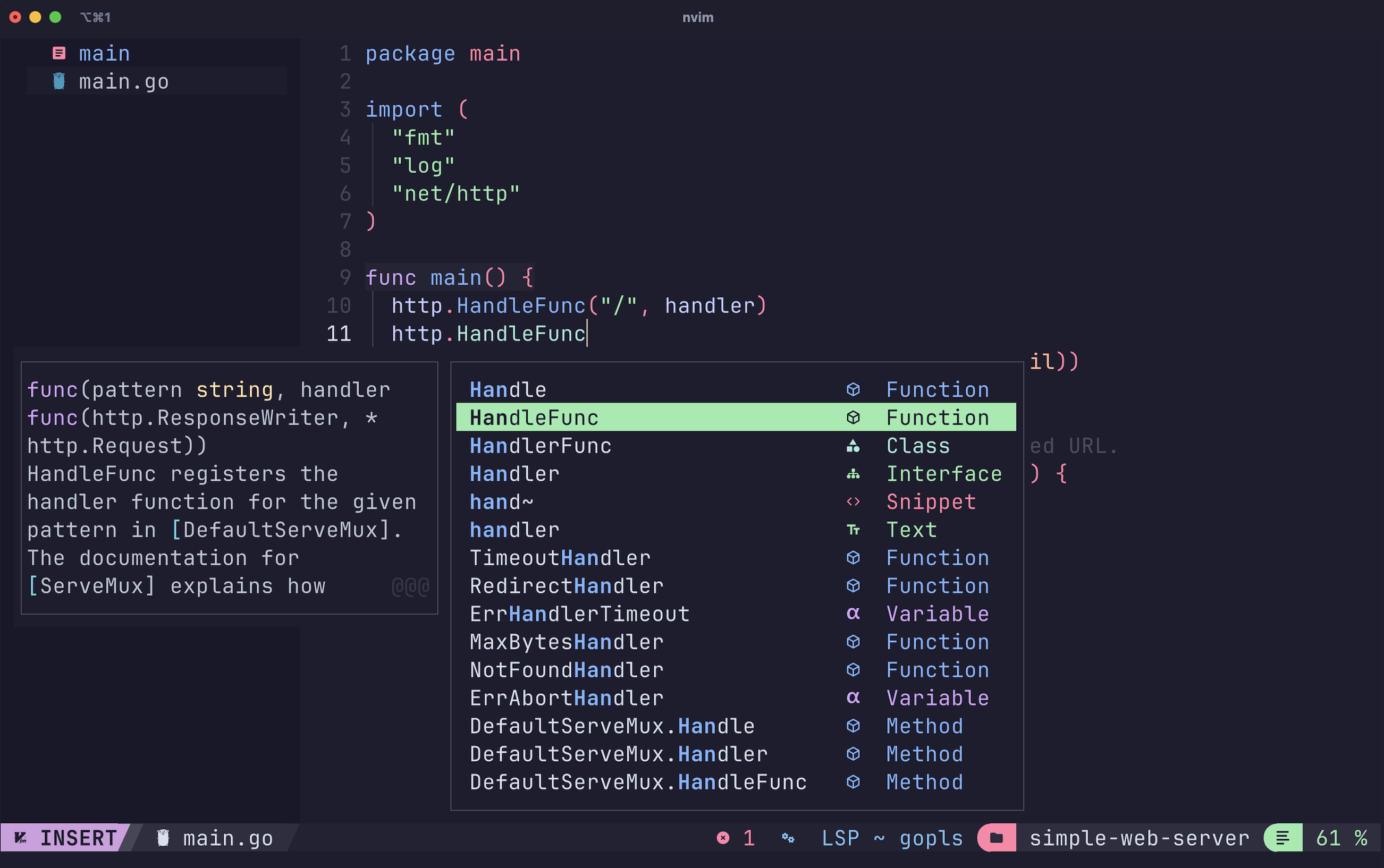
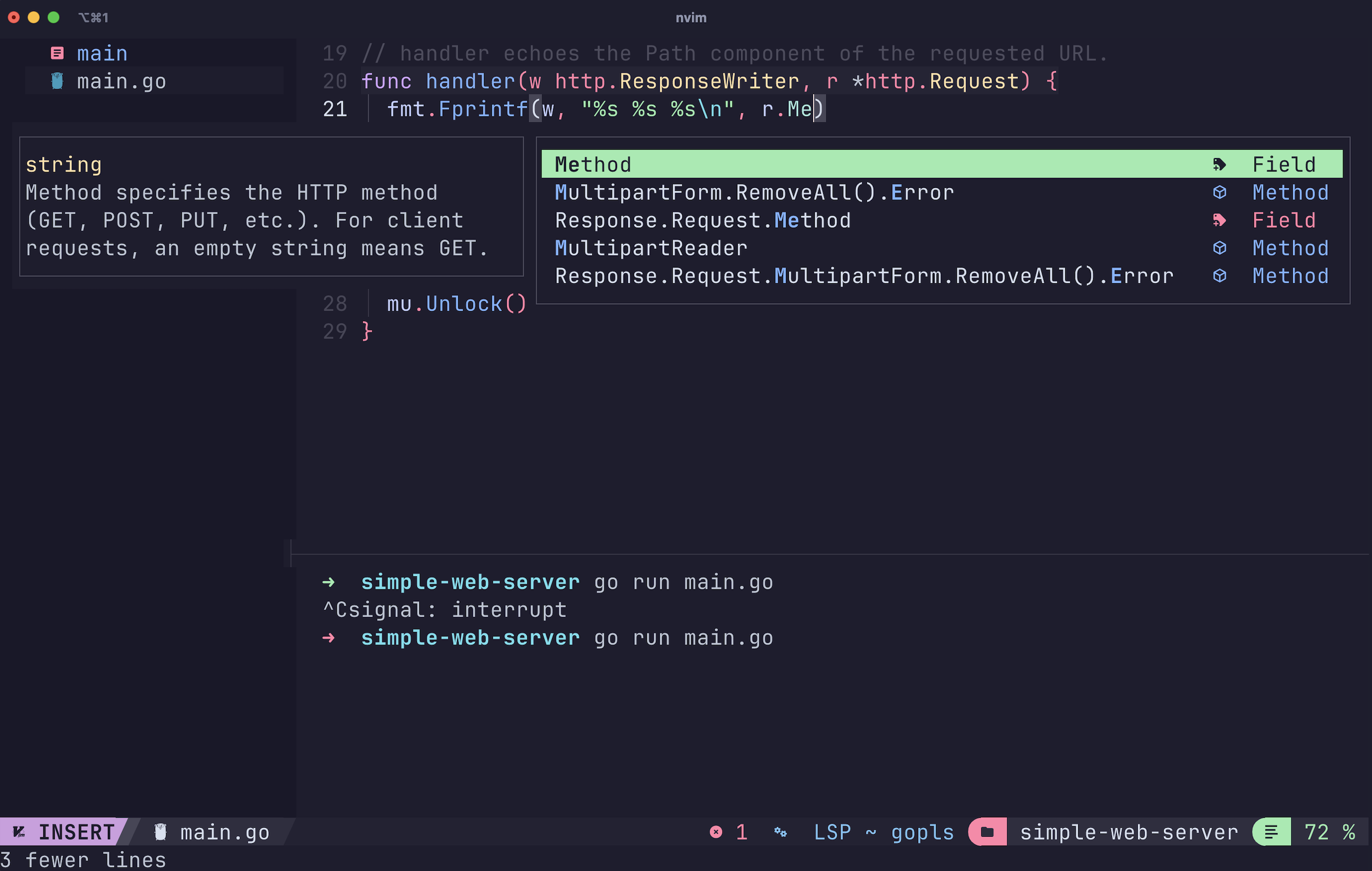
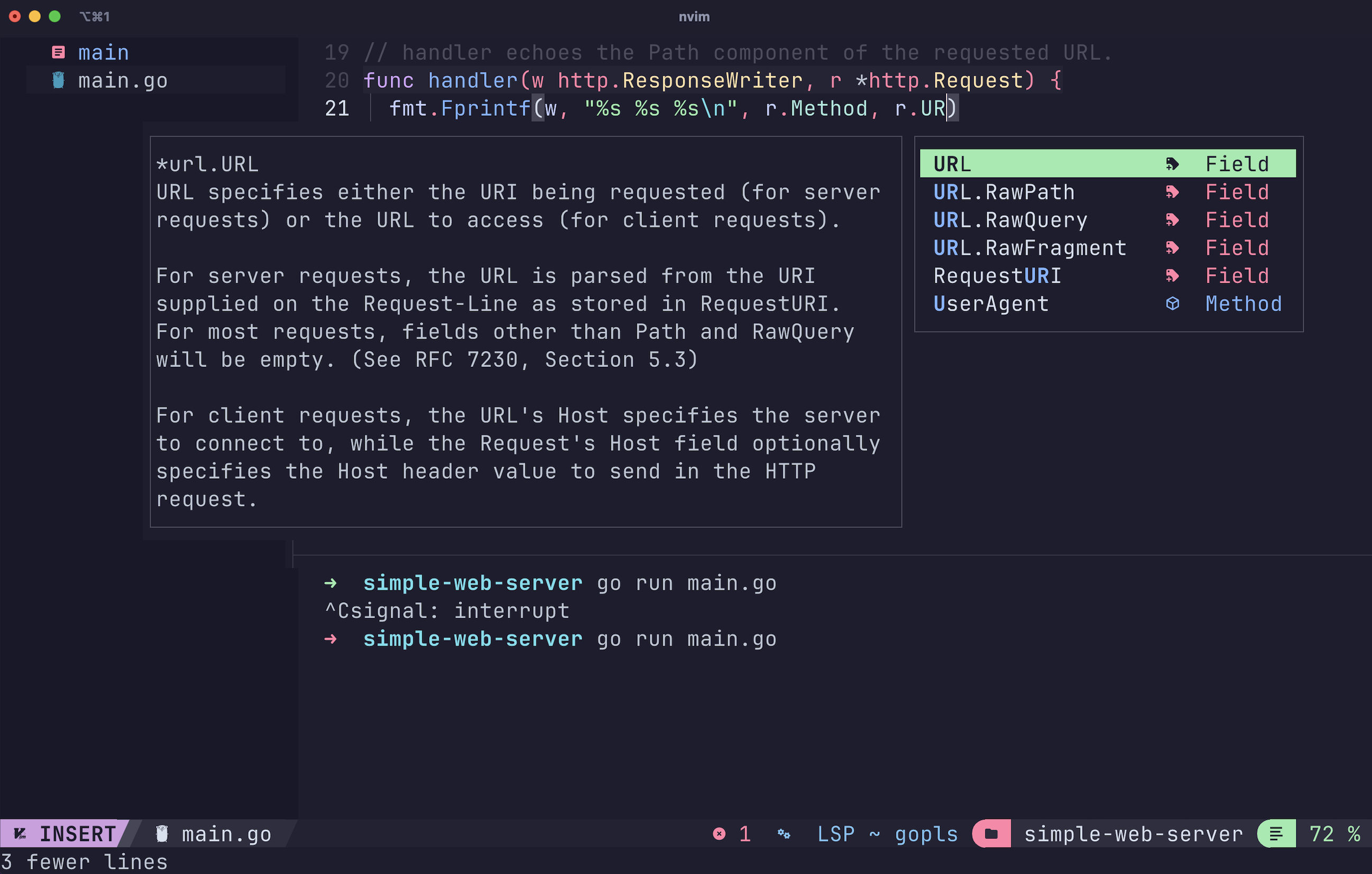
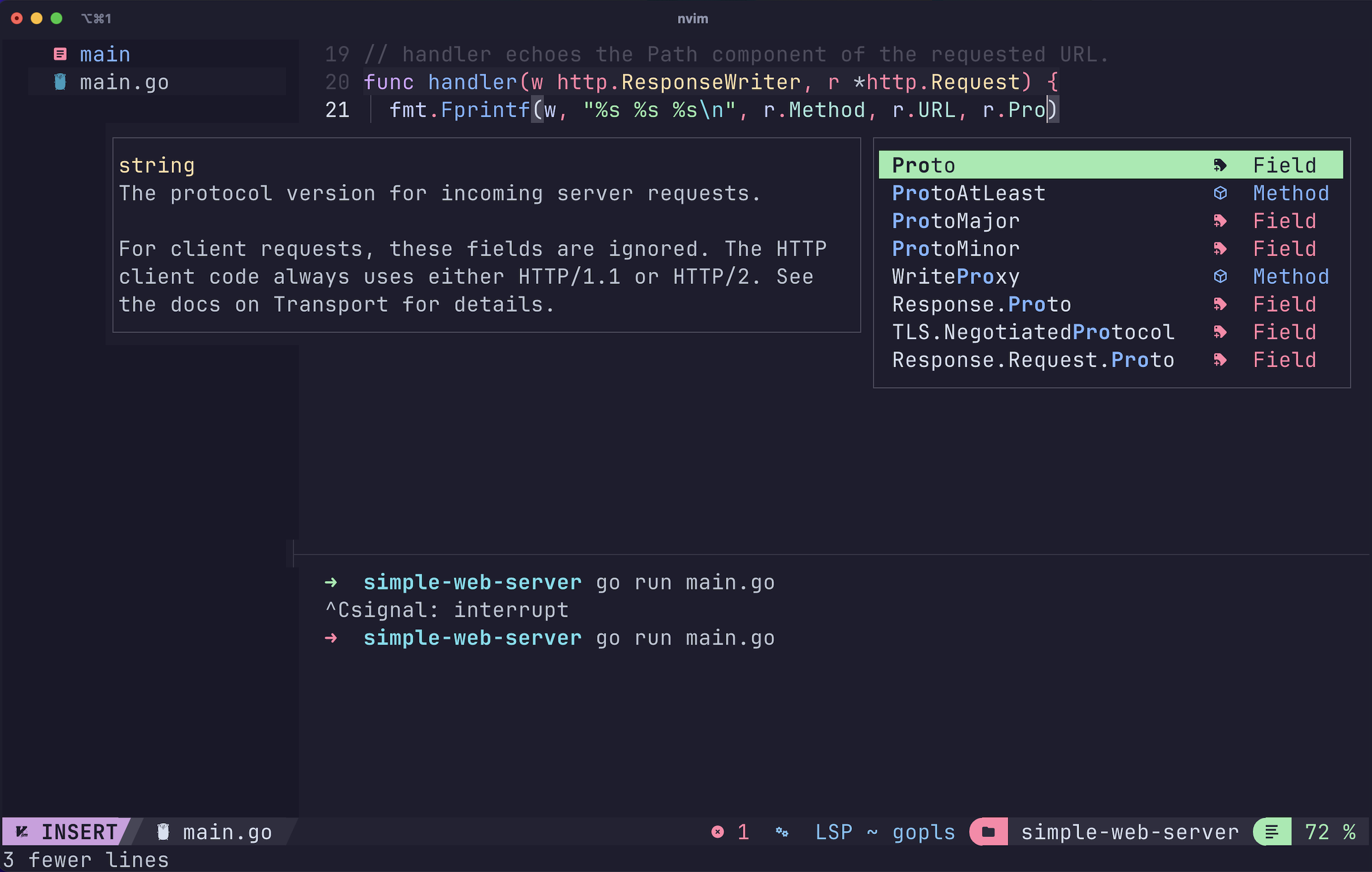
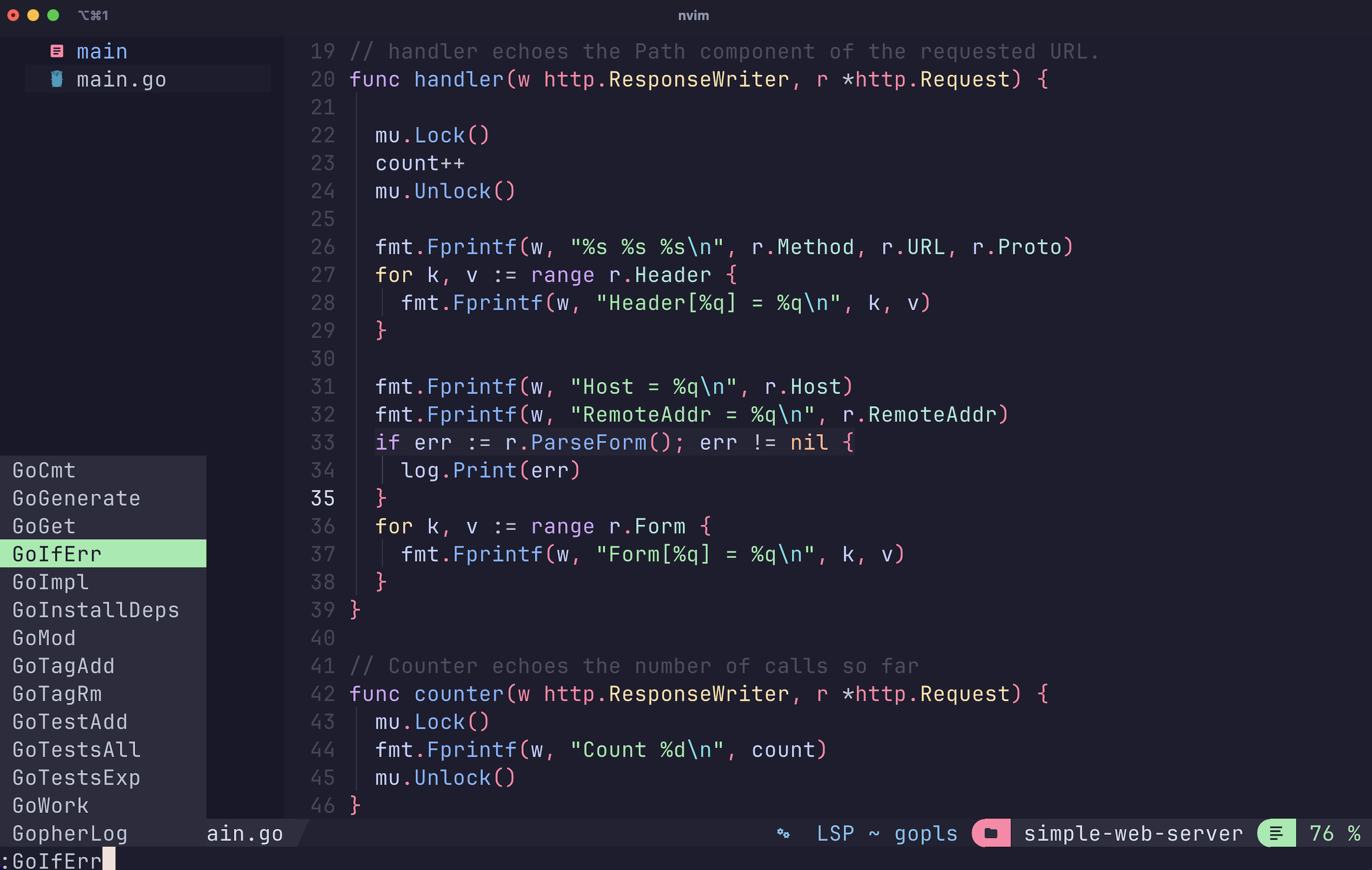
Some parts of the code
How It Works
Handler Functions:
Handler: This function is tied to the root URL( / ). It processes incoming requests, increments the request count, and returns detailed information about the request.
Counter: This function is tied to the /count URL. It responds with the total number of requests the server has received.
Concurrency Management:
The
sync.Mutexensures safe updates to thecountvariable when multiple requests are being processed at the same time.Starting the Server:
The
http.ListenAndServefunction sets up the server to listen on localhost:8000. Every request triggers the appropriate handler function.
Running the Server
Save the code to a file:
main.goStart the server with:
go run main.go
Your server is now live and listening on http://localhost:8000.
Testing the Server
Example 1: Request to /.
curl http://localhost:8000/
Response:
GET / HTTP/1.1
Header["User-Agent"] = ["curl/7.79.1"]
Header["Accept"] = ["*/*"]
Host = "localhost:8000"
RemoteAddr = "127.0.0.1:56789"
Example 2: Request to /count
Request to the /count Endpoint:
curl http://localhost:8000/count
Response:
Count 1
Each additional request to the server will increment the count.
Why Go?
Golang is a popular programming language designed by Google. Go provides many built-in libraries, such as net/http we used in this web server, and also offers efficient frameworks Gin for faster development. Additionally, Go has a clean simple syntax and is a powerful tool for handling concurrency.
What’s Next?
Now that you have built a basic web server, here are some ideas to expand it:
Serve HTML or JSON responses.
Add custom error handling.
Create APIs for more advanced applications.
With Go, you can quickly move from a simple web server to a robust, production-ready application. Give it a try and see how easy it is to get started!


